hurozo Attend
First step

Set up your first agency

Create an agency, add workers, attach canon, and assign its first task.

Worker Tools

Manage worker

Tune the role and tools for this agency teammate. Graph wiring stays internal.

Tools

Loading...

Worker View

No tools selected
Team worker Untitled Agent Describe what this agent should do. HurozoAgent

Worker Chat

Describe the worker you want to add to this team, or what you want to change.
Draft JSON
{}

Teams

Teams are managed from Agency.

Connectors

Connectors

Connect services for the current agency

Loading connectors…

Agency

Team workspace

Planning

Filters

Build

Runs

Execution activity

Runs

Inspect Worker work, tool calls, reasoning summaries, and failures.

Select a run to inspect its activity.

Files

Agency files

    Documentation

    Contact Us

    New message

    To: hi@hurozo.com

    Hurozo CLI

    Terminal-first agent work

    Hurozo CLI

    The same Hurozo agent runtime, model routes, approvals, and connected tools from your shell.

    Install with Homebrew
    brew tap hurozo/hurozo-cli
    brew install hurozo-cli
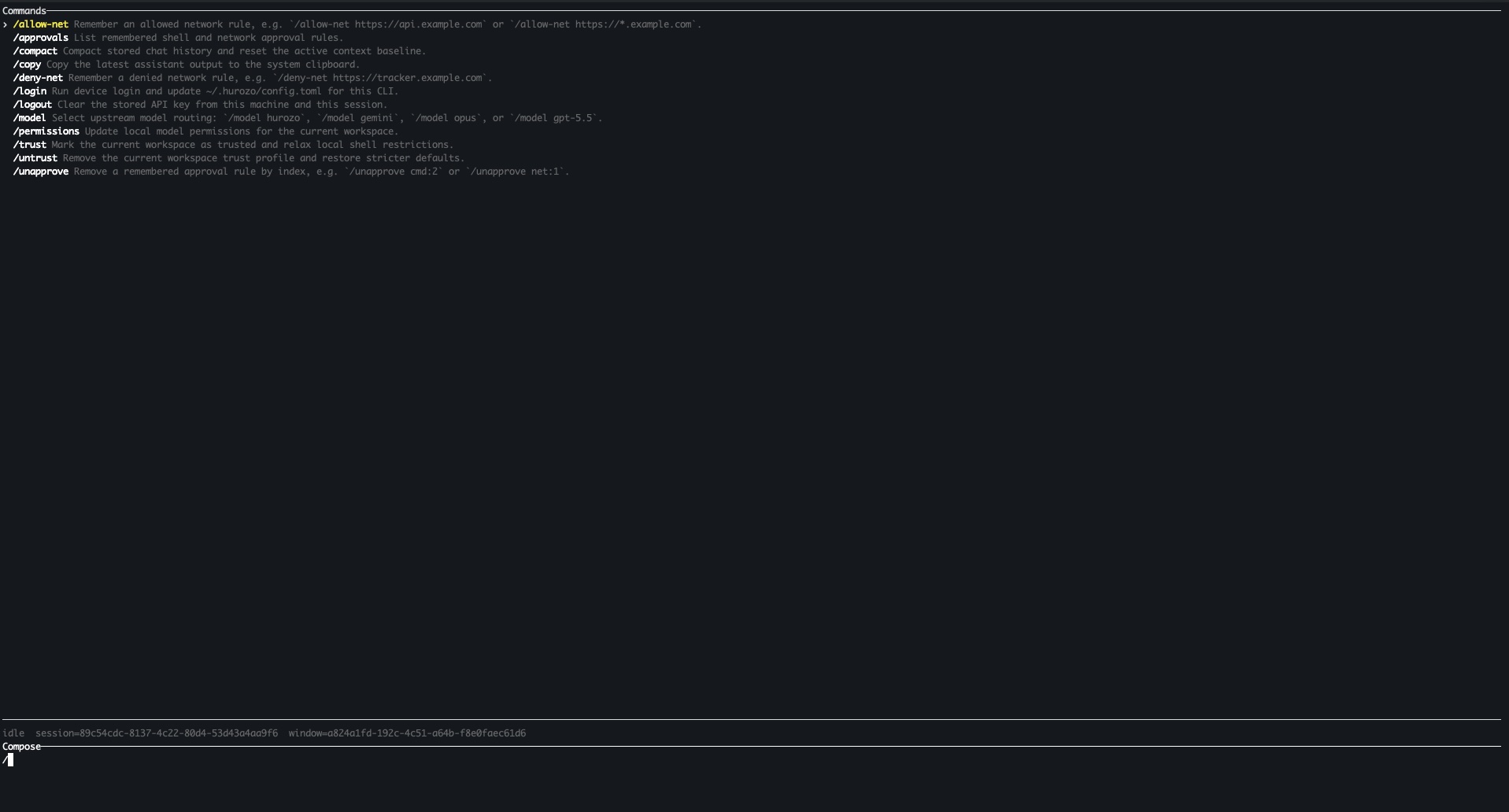
    Hurozo CLI running in a terminal

    Model routing

    Switch between Hurozo, Gemini, Opus, and ChatGPT-backed routes when your account is configured for them.

    Approvals

    Review tool permissions from the terminal and keep remembered decisions scoped to the exact operation.

    Second opinions

    Use model arbitration to ask another available route for critique, checks, or a different perspective.

    Connected tools

    Use the same account-backed connectors and skills available in Hurozo's desktop and WebCLI experiences.

    First run

    After installation, run hurozo. The CLI walks you through account authentication and any model-specific sign-in or secret setup that your selected route requires.

    Hurozo SDK

    Python agent invocation

    Hurozo SDK

    Invoke saved Hurozo agents from Python using the same API tokens, inputs, outputs, and runtime routing used by Agent Builder.

    Install
    pip install hurozo
    getting_started.pyPython
    import json
    import os
    
    from hurozo import Agent
    
    os.environ["HUROZO_API_TOKEN"] = "YOUR_API_TOKEN"
    agent = Agent("sentiment-analyser")
    inputs = {
        "prompt": "Analyze sentiment and return JSON. Text:",
        "input": "I am very happy!",
    }
    
    result = agent.run(inputs)
    print(json.dumps(result, indent=2))

    Agent lookup

    Use an agent name, saved agent id, or agent UUID. The SDK resolves the correct execution target.

    Structured inputs

    Pass a Python dictionary matching the API input keys exposed by the saved workflow.

    Hosted runtime

    Runs against Hurozo's execution endpoint, including model routing, tools, outputs, and usage accounting.

    Token setup

    Create an API token from Account settings -> Manage API Tokens, then set it as HUROZO_API_TOKEN before running scripts.

    Pricing

    Own the crew. Not rent per answer.

    Priced by the workforce you run and the volume it handles. Flat and predictable, no per-resolution markup. The model is yours, at cost.

    the volume band sizes your plan · it tells you which tier fits, it is not a meter you watch tick
    Your monthly support volume3,000 conversations / mo
    Your plan
    Crew
    the support crew, in production
    Team price
    €490 / mo
    flat, predictable
    Model, est.
    ~€60 / mo
    bring your own, at cost
    annual = pay 10 months, 2 free · amounts still illustrative until launch
    Solo
    Free
    just you, one inbox
    One worker on your own mailbox. No team, no card, no permission needed.
    • Triage, drafts, and follow-ups in your voice
    • Sends from your own inbox on your approval, the gate on
    • No keys, no card
    • Bring it to the team when you are ready
    Start free
    ◆ start here
    Crew
    €490 / mo
    up to 3,000 conversations / mo
    Your six support workers, live in production.
    • Triage, First Reply, Answer Desk, Escalation, Feedback, Wrap-up
    • Human gates + full audit
    • Core integrations
    • Your model, your keys
    +€120 per extra 1,000 / mo
    Book a demo
    Department
    €1,900 / mo
    up to 15,000 conversations / mo
    The whole desk, and the cockpit to steer it.
    • Everything in Crew
    • Analytics, Signal Tracking, Issue Routing
    • The cockpit, all integrations
    • SSO
    +€90 per extra 1,000 / mo
    Book a demo
    Workforce
    from €7,500 / mo
    several departments, custom terms
    Many departments, on your terms. Scoped with you, not metered by volume.
    • Everything in Department
    • Multiple departments
    • SLA, dedicated support
    • Self-hosting + EU residency (roadmap)
    Talk to us

    Move up when you add a teammate, cross your volume band, or add another department. The gate stays on at every tier.

    The business case

    What your support desk costs today, and on Attend.

    Set your team size and what an agent costs. Most routine threads resolve without touching the desk, so your people move to the work that needs judgment, and the model runs at cost with no per-resolution meter.

    Your support team
    6 agents
    Cost per agent, fully loaded
    €5,000 / mo
    salary, employer costs, and tooling
    Share Attend handles
    70%
    your assumption, not a claim
    Today, your desk
    €30,000 / mo
    team size times cost per agent
    On Attend
    €1,018 / mo
    flat team price + model at cost
    You keep, monthly
    €19,982 / mo
    ≈ 4.2 agents' capacity freed to redeploy
    Assumes about 1,000 conversations per agent a month (≈ 6,000 / mo here), which sizes your Attend band. Figures are examples until your band and model rate are set.
    The model is yours

    Two ways to run the model. Both without a markup on answers.

    Bring your own model

    Point Attend at your Anthropic or Google contract. You pay the model at cost, directly. A typical support conversation runs about €0.01 to €0.05 depending on the job.

    no markup per resolution, ever

    Or use our tokens

    No contract yet? Use Attend tokens at a 15% markup. The router picks the cheapest model that clears the quality bar for each task, so the bill usually still lands below a naive single-model setup.

    router-optimized · often cheaper than DIY
    Priced like a team, not a taxi meter

    A black-box bot bills about €0.99 per resolution, so 3,000 resolutions runs roughly €2,970 a month, and it climbs the better the bot works. Across the market a resolved ticket runs €0.45 to €1.85. Attend is €490 flat for the same 3,000, a crew you own with your own run records. Route more of the desk through it and your cost per ticket falls, it does not rise.

    Questions

    The ones a support lead actually asks.

    What counts as a conversation?

    One customer thread the crew works, start to finish, no matter how many messages or which workers touch it. You pay by the band you land in, not per action.

    What if I go over my band?

    You move up a band, or add volume at the per-thousand rate shown on each plan. No per-ticket surprise, and you see it coming in the cockpit.

    Do I pay a markup on the AI model?

    Not if you bring your own, you pay the provider at cost. If you use our tokens, there is a 15% markup, but the router optimizes for the cheapest capable model, so it typically still beats running one premium model yourself.

    Is my data EU-resident?

    Not yet, and we will not pretend otherwise. Today Hurozo's managed control plane and primary application state run in US GCP regions; provider processing and some object-storage locations vary. EU-resident deployment is on our roadmap. Your model, your data, and your rules are yours today; ask us for the current residency detail in writing.

    What happens if I leave?

    What you build is yours: the workers, the canon, and your run records. On exit we agree the export scope with you and provide it; a full one-click export is on our roadmap. A system of record you own, not a configuration you rent.

    Start solo, for free. Bring the team when it earns it.

    Run one worker on your own mailbox in 120 seconds. When your colleagues want in, promote it to a crew.

    Start freeBook a demo